Connect Iterable with Shopify and Segment
Send complete Shopify event and customer data to Iterable through Segment, captured server-side by Littledata


The direct answer
How does Littledata connect Shopify to Iterable?
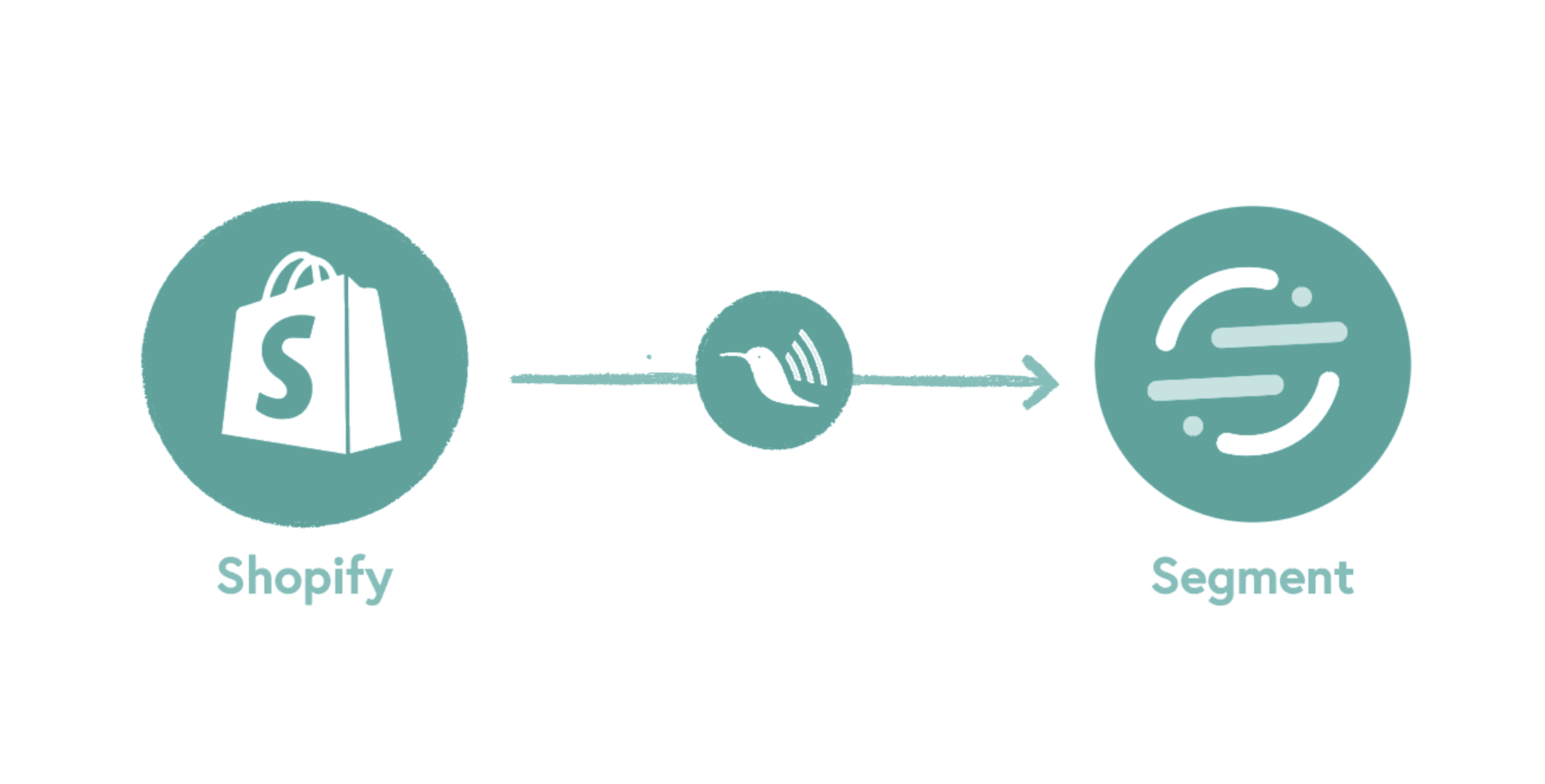
Littledata connects Shopify to Iterable through Segment. Its Segment app tracks your store's browsing, checkout, and order events, largely server-side, and sends them to your Segment workspace following Segment's ecommerce spec. You then add Iterable as a Segment destination, and every event arrives with the customer's email so Iterable can match it to a profile.
- Full-funnel events - Product Viewed, Product Added, Checkout Started, Order Completed, and more.
- Customer data - lifetime value, purchase count, tags, and email and SMS consent state.
- Subscription events - Recharge subscription changes you can use to trigger messages in Iterable.
The problem
Why Iterable needs server-side Shopify data
Iterable can only use a server-side event if it carries the customer's email address. Anonymous browser events can't be tied to a profile.
- Missing events - browser-only tracking loses cart and checkout events to ad blockers and closed tabs.
- Unmatched events - events without an email can't reach the right Iterable profile.
Littledata adds the email property whenever an email address is known, from the Segment identify traits in the browser or from the Shopify customer record on the server.
Which Shopify events reach Iterable?
A selection of the server-side events Littledata sends to Segment, which Segment forwards to Iterable.
| Segment event | When it fires |
|---|---|
| Product Added | A product is added to the cart and left there for more than 10 seconds |
| Checkout Started | A shopper starts checkout |
| Order Completed | A customer completes an order |
| Order Cancelled | An admin cancels an order, including the cancel reason |
| Fulfillment Created | An order fulfillment is created, with tracking details where available |
| Subscription Cancelled | A customer cancels a Recharge subscription |
Powerful customer engagement campaigns
Littledata is the approved Shopify source for Segment. The same data that reaches Iterable can go to every other destination in your Segment workspace.
- Warehouses - Snowflake or BigQuery for analysis.
- Analytics - Mixpanel, Amplitude, and Google Analytics 4.
- Ad platforms - Meta Conversions API through Segment.
How do I send Shopify data to Iterable?
Install the Segment app
Install Littledata's Segment Connection app from the Shopify App Store and connect your Segment source.
Add Iterable in Segment
In your Segment workspace, add Iterable as a destination for the Shopify source.
Check events arrive
Use Segment's debugger to confirm Littledata events, then check they appear on customer profiles in Iterable.
Build campaigns
Trigger Iterable journeys from cart, order, fulfillment, or subscription events.
See the full event schema Every device-mode and server-side event, and every property Littledata sends to Segment, is documented in the help center. How the Segment connection works

Complete Shopify tracking for growth marketing
Littledata uses a mix of browser and server-side tracking to capture every customer touchpoint:
- Browsing behavior - page views, product views, product list views, and searches.
- Checkout steps - each Shopify checkout step, payment info, and coupons applied.
- Sales data - orders, post-purchase upsells, cancellations, and POS orders.
- Customer data - identify calls with the Shopify customer ID, LTV, and consent state.